Using SnugCV: step-by-step guides
These guides walk through SnugCV one feature at a time, in the order most people meet them. You start by uploading your resume so SnugCV can build a profile that you review and keep. Then you tailor that profile to a job posting, read what changed, and edit and download the result as a PDF. After that come the template and font settings, the Chrome extension that tailors from a job page, the job tracker, cover letters, autofill on Pro, and how credits work. Where it helps, the guides show the real screens and say what to check before you send anything. Each one stands on its own, so you can skip ahead.
12 guides · about 147 min of reading
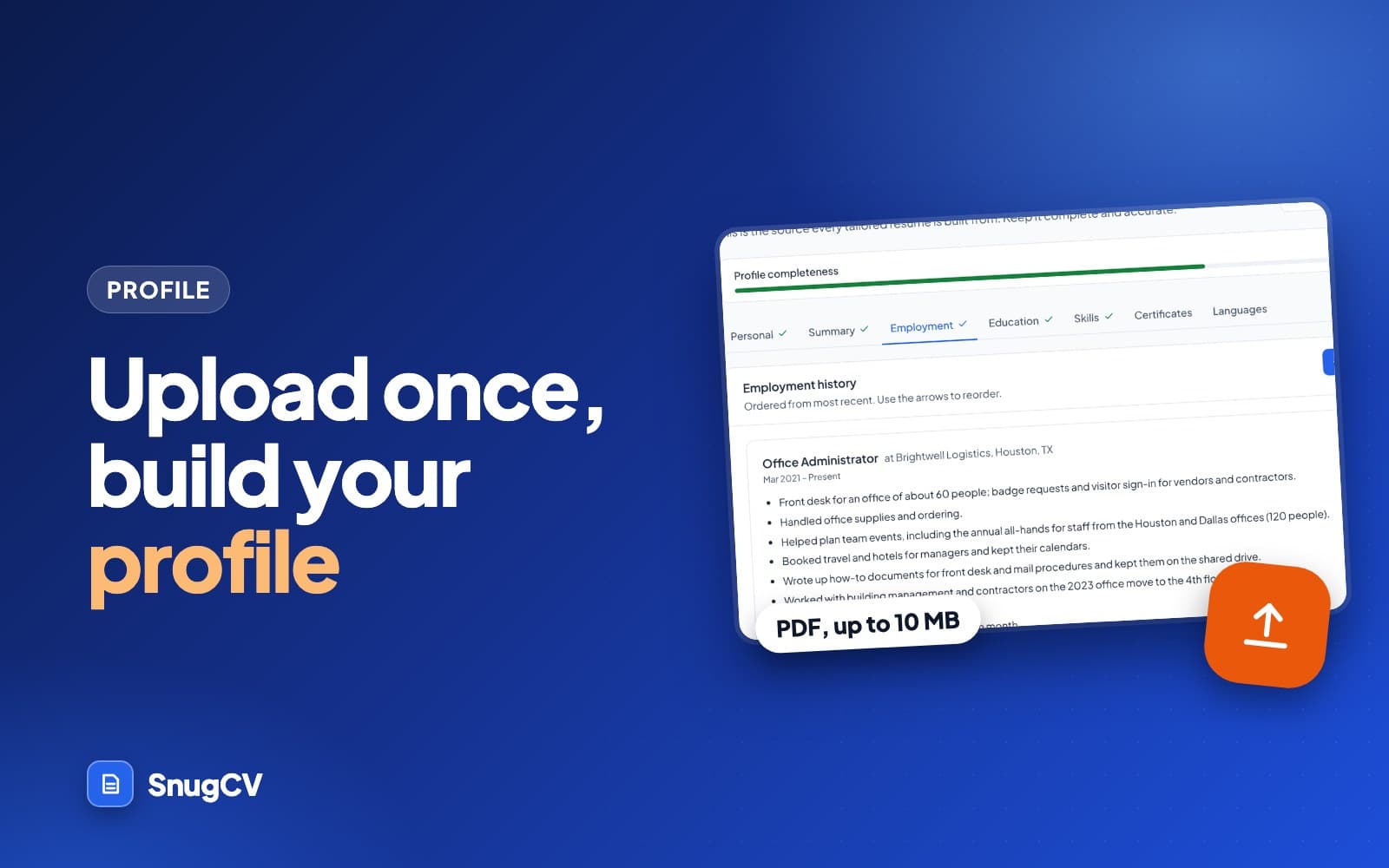
How to upload your resume and build a reusable profile
Upload a PDF once and SnugCV turns it into a structured profile you review and keep. Here is how the upload works and what each profile tab holds.
October 11, 2026 · 14 min read
Read the guideAll 12 guides, in reading order
- Guide 1: How to upload your resume and build a reusable profileUpload a PDF once and SnugCV turns it into a structured profile you review and keep. Here is how the upload works and what each profile tab holds.14 min read
- Guide 2: How to tailor your resume to a job posting in about a minutePaste a job posting into SnugCV and get a resume written for that role from your real experience. Every step, what to paste, worked examples and fixes.14 min read
- Guide 3: How to read your tailored resume: keywords, gaps, change logEvery SnugCV resume comes with matched keywords, gaps and a note on each change. Here is what each part means and how to use it before you apply.12 min read
- Guide 4: How to edit your tailored resume and download it as a PDFChange any line of a tailored resume with a live preview, pick a font and template, and download a PDF. Here is the edit screen step by step.11 min read
- Guide 5: How to choose your resume template, font and section orderSet your default template, font, language and section order once in SnugCV settings and every new resume follows them. Here is what each option does.10 min read
- Guide 6: Tailor your resume from LinkedIn, Indeed and other job pagesThe SnugCV Chrome extension docks a panel beside the job posting, reads it and tailors your resume without copy and paste. Here is how to set it up and use it.14 min read
- Guide 7: A free job application tracker: how to use the SnugCV trackerKeep every application in one place with a status, a date, notes and the resume you sent. How the SnugCV job tracker works, with a routine and a notes template.11 min read
- Guide 8: How to write a tailored cover letter from a job postingSnugCV writes a cover letter for the same posting as your resume, from your real profile. Here is how to generate one and what to check before you send it.14 min read
- Guide 9: How to autofill job applications and still review every answerSnugCV Pro can fill in an application form from your profile and attach the resume you tailored, without ever submitting it for you. Here is how it works.14 min read
- Guide 10: Make a resume in Spanish, German, French, Polish or SerbianSnugCV can write your tailored resume in the language of the posting or in a language you choose. Here is how to set it, what stays the same and how to check it.14 min read
- Guide 11: SnugCV credits and Pro: what is free and what costs a creditFree accounts get tailored resumes to start. Here is what uses a credit, what is always free, how credit packs and Pro work, and how to earn more credits.11 min read
- Guide 12: How the SnugCV affiliate program worksEarn a recurring commission when someone you refer pays for SnugCV. Here is how to apply, how referrals are tracked, what you earn and when you are paid.8 min read