Applicant tracking systems and your resume
Most employers collect applications in an applicant tracking system, or ATS. It stores your resume, reads the text out of it and lets a recruiter search and sort. These guides explain what that software does, so you can drop the myths and fix the few things that matter. You will find formatting rules that make a resume easy for software to read, advice on fonts and spacing, and a ten-minute check you can run on your own file without any tool. None of it guarantees a result with a particular employer's system. It makes your resume easier to read, for software and for the person who opens it next.
3 guides · about 56 min of reading
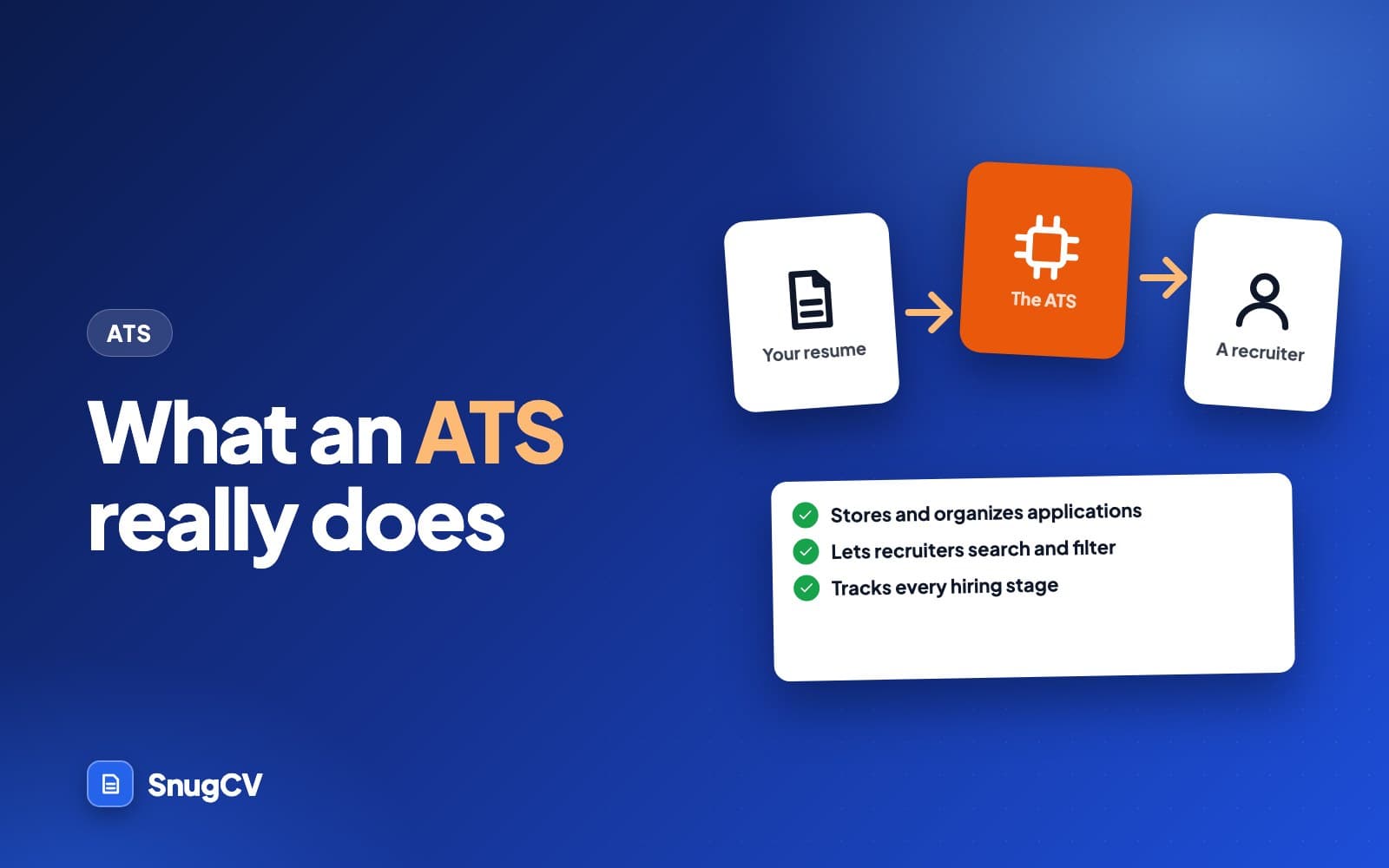
What is an ATS? How applicant tracking systems work
A plain-language guide to applicant tracking systems: what employers use them for, what happens to your application, which myths to drop and what you control.
October 13, 2026 · 20 min read
Read the guideAll 3 guides, in reading order
- Guide 1: What is an ATS? How applicant tracking systems workA plain-language guide to applicant tracking systems: what employers use them for, what happens to your application, which myths to drop and what you control.20 min read
- Guide 2: ATS-friendly resume: the formatting rules that matterNewThe formatting rules that make a resume easy for applicant tracking software to read, the myths you can ignore, and a two-minute test, with examples from many fields.18 min read
- Guide 3: Best font for a resume: type, size and spacingNewWhich fonts read well on a resume, what size to set them at, and how margins, line spacing and PDF export change how your resume looks to a reader.18 min read