Key takeaways
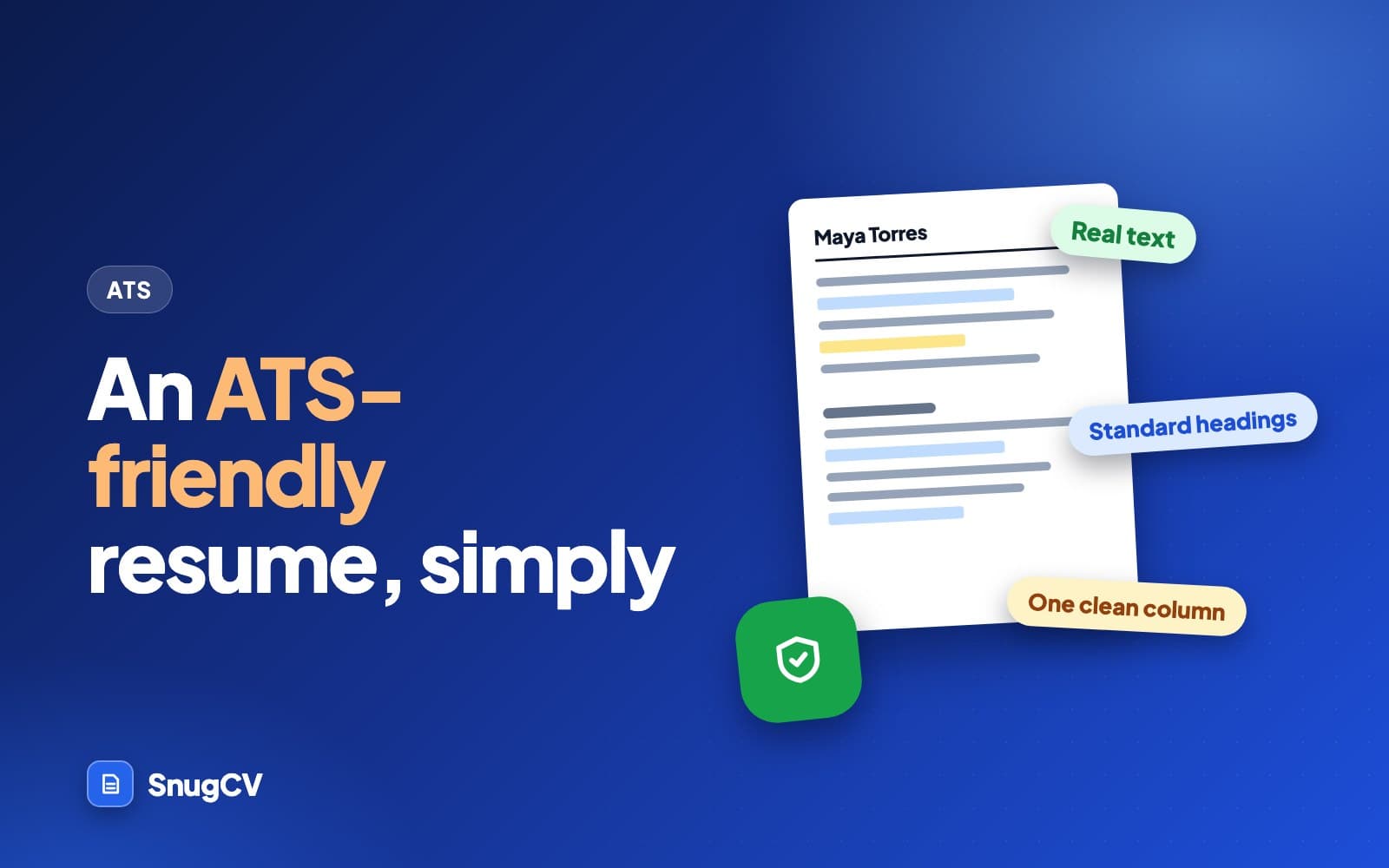
- An ATS-friendly resume has real text that comes out in the right order and lands in the right fields. A clean single-column layout with standard headings is the lowest-risk way to get that.
- The rules with reasons behind them: real text, one column, contact details in the body, standard headings, steady dates, ordinary bullets and fonts, and no information locked inside graphics.
- Many rules circulating online are myths, such as bans on bold, color or PDFs. Where sources disagree, as with PDF versus Word, follow the application's instructions.
- Test the exact file you upload: select and search the PDF, paste it into a plain text window and read what comes out.
In this guide
- What ATS-friendly actually means
- Real text, and the PDF or Word question
- One column, and what to do about sidebars
- Contact details and the header
- Headings, dates and job entries
- Bullets, characters and fonts
- Graphics, icons, photos and skill bars
- The words: easy to find without stuffing
- A worked makeover
- Rules you will read that are myths
- Common mistakes and a final checklist
- Where SnugCV fits
- Keep going
Most advice about ATS-friendly resumes is a pile of rules with no reasons attached, and a good share of them are folklore. This guide gives you the rules that have a reason behind them, explains each reason, and separates them from the myths, so you can fix a resume once and stop worrying about it.
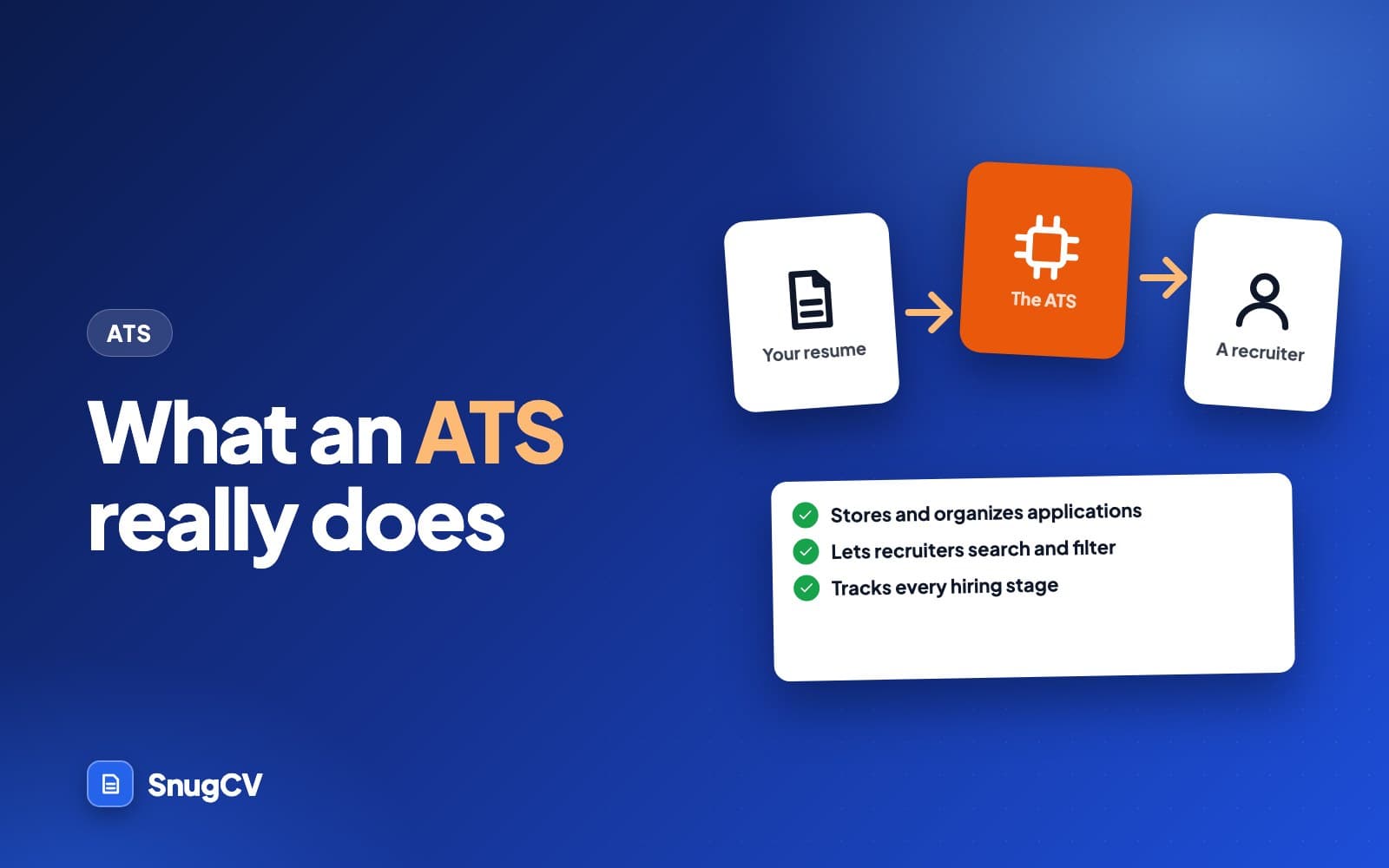
By the end you will know what to change in a resume built in a design tool, a word processor or an online builder, how to test the result in two minutes, and which popular rules you can ignore. If you want the background on what the software does first, read what is an ATS.
What ATS-friendly actually means
Nothing certifies a resume as ATS-friendly, and there is no single product to be friendly to. Employers use many different systems and set them up differently. The phrase is shorthand for four things being true of your file.
- 1
It opens
A normal PDF or Word file with real text, in a type the form accepts.
- 2
It reads in order
Copied or extracted, the text runs top to bottom the way you wrote it.
- 3
It sorts into fields
Name, contact details, jobs, dates, education and skills land where a parser expects them.
- 4
It is easy to find
The words a recruiter would search for are on the page, in true statements about your work.
The first three are what this guide covers. The fourth is about content, and how to find the keywords in a job description covers it. You need both. A perfectly formatted file with nothing relevant in it goes nowhere, and a strong resume locked in a broken file may never be found.
Everything below also helps the human reader. A single-column page with plain headings is easier to scan for a tired person at the end of a long day, which is a good reason to follow the rules even if you are unsure what any given system does.
Real text, and the PDF or Word question
Real text, not a picture of text
The most damaging problem is also the simplest. If your resume is an image, software sees no words. It happens more often than you would expect: a PDF made by photographing or scanning a printout, a file saved from a design tool as a picture, or a template whose page is a flat background with text laid on top in a way that exports as pixels.
The test takes ten seconds. Open your PDF and try to drag-select a line of text with your cursor. Then use the find command (Ctrl+F on Windows, Cmd+F on a Mac) and search for the name of your last employer. If the line will not select, or the search finds nothing, the file has no real text. Rebuild the resume in a word processor and export it again.
PDF or Word?
Sources disagree on this, and there is no universal answer, so be wary of anyone who gives one. What can be said is below.
Often the default
A text-based PDF
- Layout stays the same on every screen and printer
- Fine when exported from a word processor, so the text is real
- Not a good choice if it came from a scan or a design tool and fails the paste test
- Ruled out when the form asks for Word only
A cautious alternative
A Word file
- Often what a form asks for
- A person at the employer can copy from it or edit it, and layouts can shift between versions of Word
- Sources disagree on whether some systems read Word files more reliably, and you cannot know which system you are meeting
- Reasonable when you have a free choice and cannot tell
Two rules cover nearly every case. Do what the application says. And whichever type you choose, run the paste test on the exact file you upload. Use the program's own export or save-as-PDF option rather than a screenshot, and check the result.
One more detail belongs here: the file name. A recruiter's download folder may hold dozens of files called resume.pdf. Use a name a person can place at a glance, such as Dana-Okafor-Resume.pdf, and skip suffixes like final or v7.
One column, and what to do about sidebars
Software that reads a PDF gets text as a sequence. In a single column the sequence is the order you wrote it. In two columns the sequence depends on how the file was built. Some systems read the left column and then the right. Some read across the page line by line, which interleaves a sidebar's skills with the middle of a job description. To your eyes the page looks identical in all three cases.
One column
Reads top to bottom, in the order you wrote it. The lowest-risk choice for any online form.
Two columns with a sidebar
Attractive, and the reading order depends on how the file was built. Test it before you rely on it.
Many well-made two-column files extract correctly, and some systems handle them well. Others do not. A resume sent through a form is read by whichever system the employer chose, which you cannot see. If you send your resume directly to a person, a two-column PDF is fine. If you upload it to a portal, one column removes a variable.
If you want to keep a sidebar anyway, give it a narrow, forgiving job.
- Put only short items there: contact details, a skills list, languages.
- Keep job titles, employers and dates in the main column, because those are the fields that matter most.
- Run the paste test, and read the result line by line.
Tables used for layout fall under the same advice. A date range pushed to the right edge with a tab is a normal pattern and reads as part of the same line. If a template builds the same look with an invisible table, check that the text still comes out in order.
Contact details and the header
Word processors have a header area at the top of every page. Putting your name and phone number there looks tidy, and some systems skip header and footer areas altogether. Details placed there can come out missing, so a record may have no name or email in it. Put your name and contact details in the main body, at the top of the first page.
Header
Maya Torres
Summary
Skills
Experience
Education
- 1Your name as the first line of the body, in plain text, a little larger than the rest.
- 2Phone, email and city on the next line, separated by commas or a vertical bar.
- 3Any profile or portfolio link written out as text, so it is readable on paper and in a parsed record.
A few small habits make this block work harder.
- Use the name you will use in interviews, spelled the same way on every application and in your email address.
- Use an email address that is yours and sounds professional, and a phone number you answer.
- A city and state or region is enough. Whether to give a street address is a privacy choice, and many people leave it out.
- Write link addresses out as text. A linked word such as Portfolio hides the address in a tag that printouts and some systems lose.
Headings, dates and job entries
Standard headings
Many parsers look for common section names, because the name helps decide what the text below it is. A heading they do not recognize can leave a block of jobs unlabelled.
Headings that are easy to recognize
- Summary
- Work experience
- Experience
- Employment history
- Education
- Skills
- Certifications
- Licenses and certifications
- Languages
- Projects
- Volunteer experience
Headings that read well to a person and may confuse software
- My story
- Where I have been
- What I bring
- The toolbox
- Highlights reel
- Learning journey
Personality belongs in the wording under the heading. If you want a warmer label, choose one that still contains the standard word, such as Professional experience or Teaching experience.
A steady pattern for each job
For every job, use the same order every time: title, employer, place, dates. Which of title and employer comes first matters less than doing it identically in each entry. Dates are where resumes drift most, and an approximate date is a field the software cannot place on a timeline.
Before
Greenfield Outfitters, sales associate, summer '19 until spring '21, Boise
After
Sales Associate, Greenfield Outfitters, Boise, ID. June 2019 to April 2021
Month and year, the same order in every entry. A season is a guess for software and a puzzle for a person.
Before
Teaching Assistant | Oak Lane Elementary | 2018-ish to now
After
Teaching Assistant, Oak Lane Elementary School, Columbus, OH. August 2018 to present
Approximate dates and the word now make a record that is hard to place on a timeline. A month and year, then Present, is a pattern readers recognize anywhere.
Before
Delivery Driver, Pronto Parcel, 2019 to present (part time, evenings and weekends)
After
Delivery Driver (part time), Pronto Parcel, Austin, TX. March 2019 to present
Put the part-time detail in the title or the first bullet and keep the date field a clean range.
Date formats vary in how safely they read.
| Format | How well it reads | Note |
|---|---|---|
| March 2021 to present | Easy | The month spelled out is unambiguous in any country |
| 03/2021 to present | Generally fine | Clear, because there is no day. Spell the month out if you want no doubt |
| 2021 to present | Works | Less precise. A recruiter may ask which months |
| Mar '21 to now | Usually fine | The apostrophe and the word now add guesswork |
| 3/21 to 6/22 | Ambiguous | Could be March 2021 or 21 March, depending on the reader's country |
| Spring 2021 | A guess | No month for a parser to place |
Pick one format and use it throughout. Consistency matters more than which one you choose.
Bullets, characters and fonts
Ordinary round bullets or hyphens from your word processor's own list tool are fine. Decorative symbols used as bullets, such as arrows or stars, are the risk, because some extract as boxes or stray characters. Bold and italics are ordinary formatting and read as normal text. Long strings in capital letters are harder for people to read, which is a better reason to avoid them than anything about software.
Special characters follow one rule: if a symbol turns into a box, a question mark or a letter you did not type in the paste test, replace it with plain text.
Fonts matter more for the human reader than for software. These four are safe, widely installed choices with different personalities.
Arial
Maya Torres, operations coordinator
Scheduled 40 weekly deliveries and kept the shared calendar current for a six-person team.
Calibri
Maya Torres, operations coordinator
Scheduled 40 weekly deliveries and kept the shared calendar current for a six-person team.
Georgia
Maya Torres, operations coordinator
Scheduled 40 weekly deliveries and kept the shared calendar current for a six-person team.
Times New Roman
Maya Torres, operations coordinator
Scheduled 40 weekly deliveries and kept the shared calendar current for a six-person team.
Body text between 10 and 12 points is a common range, with the name and headings a little larger. Margins around half an inch to an inch are typical. Those are rules of thumb. More guidance, with specimens and size ranges, is in best font for a resume.
A PDF embeds its fonts, so your reader's computer does not need to have them, which is why the layout looks the same everywhere. The text still has to export as real characters. Some decorative and symbol fonts map letters to unusual character codes, which can come out as gibberish when the text is extracted. That is rare with ordinary fonts, and it is one more reason to run the test.
Accents, symbols and other languages
Names and words with accents, such as José, Müller or Łukasz, are ordinary text and normally survive export. If one turns into a box or a different letter in the paste test, the font is the likely cause, so switch fonts and test again. If you keep resumes in more than one language, run the test on each version. SnugCV can produce resumes in Spanish, German, French, Polish and Serbian, which how to make a resume in Spanish, German, French, Polish or Serbian covers.
Graphics, icons, photos and skill bars
Software reads text. Anything meaningful that lives only in a shape, an image or a color is invisible to it. People who read the file often find these elements unhelpful as well. A skill bar claims a precision that nobody can check.
| Element | What software sees | A plain replacement |
|---|---|---|
| Skill bars or star ratings | Nothing, or a row of shapes | List the skill. If level matters, say so in words: daily use, advanced |
| Icons beside contact details | Nothing, or a stray character | Plain text: phone, email, city |
| A photo | Nothing | Leave it out for a US or Canadian style resume. Follow local custom elsewhere |
| Employer logos | Nothing | The employer name as text |
| Charts of strengths or personality | Nothing | A sentence or a bullet with the fact |
| Progress circles for languages | Nothing | Spanish (fluent), French (conversational) |
| Text placed inside an image or shape | Nothing | Real text in the body of the page |
| Dividing lines and decorative rules | Usually ignored | Keep them if you like them |
Whether a photo belongs on a resume depends on where you are applying. Conventions differ by country and by industry, so see CV vs resume for how regional norms differ.
The words: easy to find without stuffing
Clean formatting makes the text readable. The words in it decide whether a search, or a person skimming, recognizes you. A few habits do most of the work.
- Keep your real job title, and use the posting's term in the first bullet where it describes what you did. A title of Guest Experience Lead stays that way, and a bullet can say you supervised the front desk team.
- Write an abbreviation and its long form together once, as in Certified Nursing Assistant (CNA) or search engine optimization (SEO), so a search for either finds you.
- Put each term where it is true and in context. A skills line is a fine place to list tools. A bullet is the best place to show one in use, because it carries proof with it.
Before
Helped customers at the register and on the floor.
After
Operated the point-of-sale system, processed returns and answered product questions for customers on a busy retail floor.
The posting says point-of-sale and returns, and the person did both. The after version says what happened, in the posting's words.
A block of fifty terms at the bottom of the page, or a list that repeats one word, helps nobody. A person sees padding, and a search gains nothing it did not already have. Resume keywords: examples by field shows what a natural set looks like for different kinds of work.
A worked makeover
Here is a made-up resume for a warehouse supervisor, Dana Okafor, built in a design tool because the template looked good. Eight things were wrong with it, and none of them was a problem with the work history.
| What was wrong | What it did | What changed |
|---|---|---|
| Name and contact details in the page header area | Can be skipped, leaving the record with no name or email | Moved to the first lines of the body |
| Two columns, with skills and certifications in a sidebar | Sidebar lines can be read in the middle of the job history | One column, with certifications under experience |
| Skill bars for forklift, inventory and spreadsheets | Show nothing to a parser and claim a precision nobody can check | A plain skills line naming each tool |
| Certification badges as pictures | The credential a posting requires exists only as pixels | A line of text for each certification |
| Section called My journey | Jobs sit under a heading nobody expects | Renamed Work experience |
| Dates written '18 to now and 2015-ish | Hard to place on a timeline | March 2018 to present, June 2015 to February 2018 |
| Arrow symbols as bullets | Can extract as boxes or stray characters | Ordinary round bullets |
| File named resume final FINAL 3.pdf | Lost among other files in a recruiter's folder | Dana-Okafor-Resume.pdf |
The rebuilt top of the first page looks like this.
After: the top of the rebuilt resume (made up)
Dana Okafor
Warehouse supervisor. Reno, NV | 555-0148 | dana.okafor@example.com
Summary
Second-shift supervisor with eight years in receiving, picking and outbound loading. Forklift certified. Experienced in weekly inventory counts and in training new hires on safety procedures.
Work experience
Shift Supervisor, Highline Distribution, Reno, NV. March 2018 to present
- Led a team of 14 across receiving, picking and outbound loading on second shift
- Ran weekly cycle counts and resolved discrepancies with the inventory control team
- Trained new hires on lift equipment safety and scanner use
Certifications
Forklift operator certification (sit-down and reach truck)
Nothing about the content changed. A recruiter who opens it sees the same career, and a parser sees fields where it saw fragments.
Templates and design tools
Template sites and design tools make attractive resumes quickly. Some export a clean document, some turn each text box into its own block, and some export the whole page as a picture. You cannot judge which from the screen. Judge from the exported file with the paste test.
A workable rule: if a template relies on text boxes, columns, icons or an image for its look, test it twice. If it was made in a word processor from ordinary paragraphs and bullet lists, it is more likely to read cleanly. Check the exported file from any online resume builder, since the preview shows only how the page is drawn. The order objects were added to a page can differ from the order you see them in, and that is the order software may follow.
The same rules in different fields
The rules do not change by field. What differs is which details need to be plain text.
Credentials
Nursing and other licensed healthcare
List the license type, the state or country and the expiry as text. Put certifications such as BLS or ACLS in their own line. The license number goes where an application asks for it.
Certifications and equipment
Trades, driving and warehouse
Spell out license class, endorsements and equipment you operate in a plain list. A badge image of a certificate is invisible to software, while a line of text can be read.
Licensure and levels
Teaching
Name your licensure, grade levels and subjects in text. Keep student details out of the file entirely. Skip classroom photos and decorative graphics.
Many entries
Retail, hospitality and short jobs
Many short roles can make a messy history. Keep the same order in every entry, and group a run of seasonal jobs under one entry that names the employers.
Portfolio first
Creative fields
Send a plain, single-column resume to the portal and keep the designed version for the portfolio site or a person you contact directly.
Short history
Students and early career
Put education first if it is your strongest section. Give projects and volunteering the same heading and date pattern as paid jobs, so they are read as experience.
Rules you will read that are myths
Some rules circulate because they sound technical, and many are repeated with no reason attached.
| The rule you will read | What to do instead |
|---|---|
| Never use a PDF | A PDF with real text is fine where the form accepts it. Test your file |
| No bold, italics or color | These are ordinary text formatting. Keep the contrast high |
| Only Times New Roman works | Any ordinary, widely installed font at a readable size does the job |
| It must be exactly one page or software rejects it | Length is a judgement about readers. See how long a resume should be |
| Repeat each keyword a set number of times | No public source gives a number. Use the posting's words where they are true and write for a person |
| Remove all links | Written-out web addresses are fine. Remove only what you would not want a stranger to see |
| Bullets break parsers | Ordinary bullets are some of the most common things a resume has. Only decorative symbols carry risk |
| White text full of keywords is a clever hack | A person who views the text sees it, and it misstates your resume. Leave it out |
Where credible guidance disagrees, as with PDF against Word and two columns against one, the sensible response is to reduce variables. Follow the application's instructions, choose the plainer layout and test.
Common mistakes and a final checklist
Do
- Export from a word processor, then test the exact file you will upload
- Put your name and contact details in the body of page one
- Use standard section names and one date format
- Write skills and certifications as plain text
- Name the file with your name and the word Resume
Common mistakes
- Trust the preview in a design tool, and skip the test on the exported file
- Place the only copy of your phone number in the page header
- Rename every section to something clever
- Show a skill level only as a bar or a row of stars
- Add hidden keywords, or change a title or date to match a posting
The two-minute test
- Open the PDF. Try to select a line, then search for a distinctive word such as your last employer's name.
- Select all, copy, and paste into a plain text window, such as Notepad on Windows or TextEdit in plain text mode on a Mac.
- Read it as a stranger. Check that the order is right, that your name and contact details are present, that each job keeps its title, employer and dates together, and that no odd characters appear.
The full ten-minute version, with an annotated example of what extracted text can look like when something goes wrong, is in how to check your resume for ATS problems in 10 minutes.
Or upload the PDF to the free ATS resume checker below. It runs the same kind of checks on the text inside your file and shows you what it read.
ATS resume checkerFree
Upload a PDF resume to see whether its text can be read cleanly, and optionally how many of a posting's terms it contains. One free run, no account.
ATS-friendly resume checklist
0 of 10 done
Where SnugCV fits
SnugCV's two templates, Classic and Modern, are both single column with real, selectable text, and you can change the font and the order of sections in Settings. When you tailor a resume to a posting, the summary, skills order and bullets are rewritten in the posting's own words while employers, titles, dates and education are copied unchanged, and each change comes with a plain-language note. You can read how those settings work in how to choose your resume template, font and section order.
Run the paste test on any PDF you send, whichever tool made it.
Keep going
The next step is the habit of checking: how to check your resume for ATS problems in 10 minutes. For the words that go into a clean file, read resume keywords: examples by field, and for how the page should be laid out as a whole, resume formats: chronological, functional or combination.
Questions people ask
Is a PDF or a Word file better for an ATS?
Follow the application's instructions if it names a type. When you have a choice, both are widely accepted. A PDF exported from a word processor keeps your layout and holds real text. A Word file is a cautious pick when a form asks for one or when you cannot tell. Avoid scans and PDFs made from pictures of a page.
Can an ATS read a two-column resume?
Some can and some mix the columns up, and you cannot tell in advance which one you will meet. Text can be read across the page line by line, which interleaves a sidebar with the main column. A single column removes that risk at little cost, so it is the safer choice for online applications.
Are tables, text boxes and headers really a problem?
They can be. Text in tables may be read in an odd order, text boxes may be skipped or read last, and some systems ignore header and footer areas, so details placed there can go missing. Putting your name and contact details in the main body of the first page is a cheap safeguard.
Can I use a template from a design tool?
Yes, if the exported file has real selectable text and a sensible reading order. Check it by pasting into a plain text window. Some design tools export text as separate boxes or as pictures, which read badly. If the paste comes out clean, the template is fine. If it does not, rebuild it in a word processor.
Do fonts matter for an ATS?
Mostly for readability. Common fonts such as Arial, Calibri, Georgia and Times New Roman are safe choices. The rarer risk is a decorative or symbol font that extracts as odd characters. Body text between 10 and 12 points is a common range, with the name and headings a little larger.
Should I remove color, bold and italics?
No. Ordinary bold for titles and headings, italics for places or dates, and a touch of color in headings are read as normal text. Keep the contrast high enough to print clearly in black and white, and do not use color or shape to carry information that your words leave out.
How do I know whether my resume is ATS-friendly?
Run a plain text test. Select all, copy, and paste into a plain text window. If the order is right and your name, contact details, jobs and dates are present and together, the file is in good shape. The ten-minute guide linked at the end of this article walks through it step by step.
Was this guide helpful?
Get the free resume checklist and new guides
Twenty checks to run before you send a resume, as a one-page PDF. After that, a short email when new guides go up, at most once a week.