Key takeaways
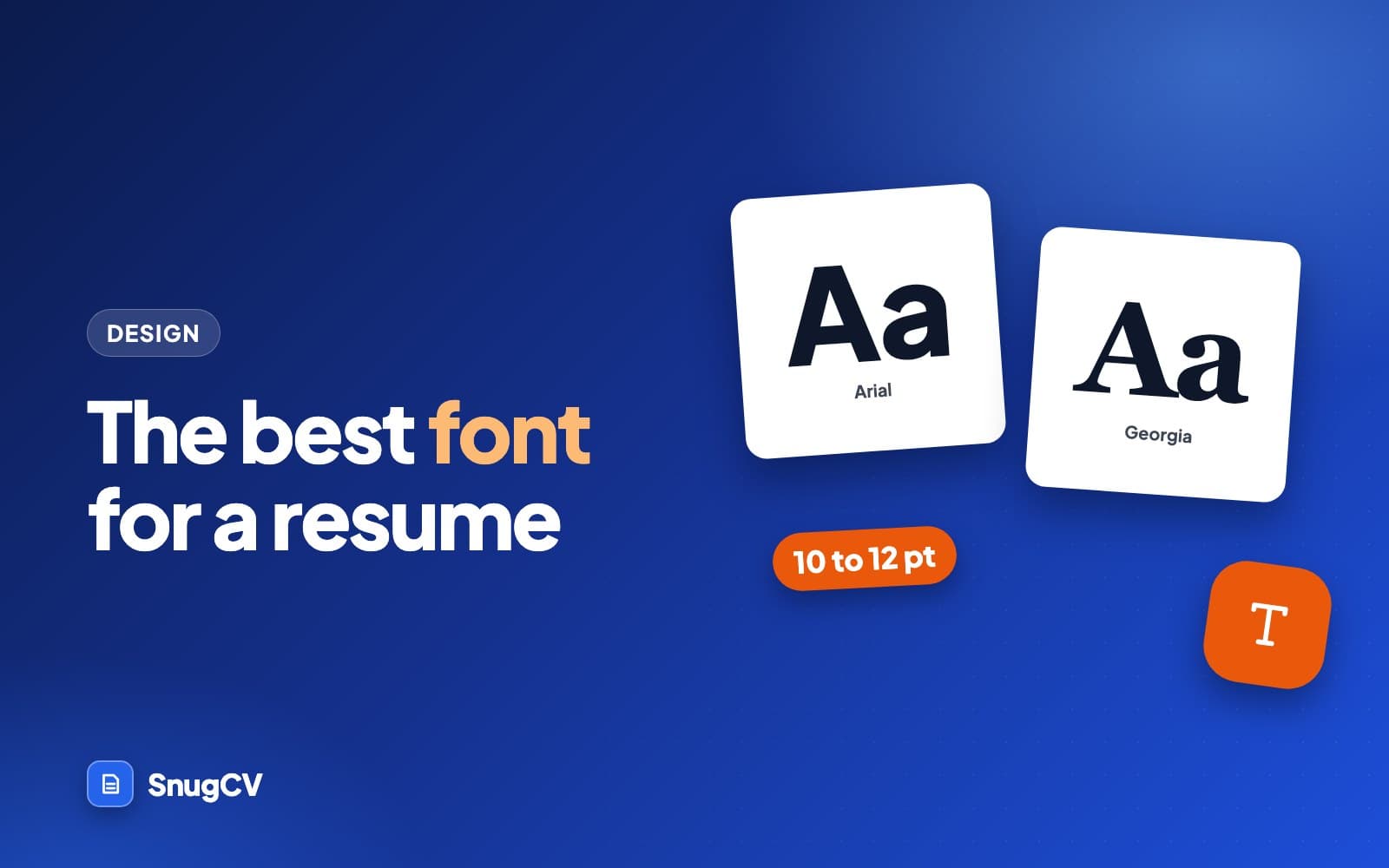
- Pick one familiar font, such as Arial, Calibri, Georgia or Garamond, and use it everywhere. Readability and consistency matter far more than which of those you choose.
- A common rule of thumb is 10 to 12 points for body text, with a bit larger for headings and your name, adjusted for how big the font runs.
- Build hierarchy with size and weight inside one family. Extra fonts, colors and capitals make a page harder to scan.
- Export to PDF so the font travels with the file, then open it on another device and copy a paragraph out of it before you send it.
In this guide
- The short answer
- Fonts that work, with samples
- Font size, with rules of thumb
- Margins, line spacing and white space
- Bold, italics, capitals and color
- How the file travels: fonts, PDF and Word
- Fonts to avoid
- Which font for which kind of job
- A worked example: five typography fixes
- When the resume spills over by a few lines
- Mistakes to avoid and a final checklist
- Where SnugCV fits
- Keep going
Picking a resume font should take about ten minutes. Choose a familiar one, set it at a size people can read, leave some room around it, and stop thinking about typography. Most resumes that look wrong look wrong for one of four reasons: the text is too small, the lines are crowded, too many styles are competing, or the file changed on its way to the reader.
This guide shows real samples of the fonts people use most, gives size and spacing ranges you can start from, and covers what goes wrong when the file is sent: missing fonts, Word files that reflow, and PDFs that turn text into pictures. If you are also wondering how much to put on the page, how long a resume should be covers that side of the layout.
The short answer
Choose one familiar font, set the body text between 10 and 12 points, leave room around it and use it everywhere on the page. Arial, Calibri, Georgia, Garamond, Cambria and Times New Roman all do the job. After that, readability and consistency decide whether the page looks professional, and the name of the font has very little to do with it.
The advice below is built on rules of thumb that career guides have repeated for years. No standard sets these numbers, and published guides vary by a point or two on almost every one. Treat each range as a place to start and adjust with your eyes.
Fonts that work, with samples
These are the fonts that show up most often on clean resumes. Each sample is set in the font as your own device has it. If your device lacks one, your browser shows a close substitute, which is also a useful preview of what happens when a reader opens a file without the font you chose.
Arial
Maya Torres, operations coordinator
Scheduled 40 weekly deliveries and kept the shared calendar current for a six-person team.
Calibri
Maya Torres, operations coordinator
Scheduled 40 weekly deliveries and kept the shared calendar current for a six-person team.
Georgia
Maya Torres, operations coordinator
Scheduled 40 weekly deliveries and kept the shared calendar current for a six-person team.
Garamond
Maya Torres, operations coordinator
Scheduled 40 weekly deliveries and kept the shared calendar current for a six-person team.
Times New Roman
Maya Torres, operations coordinator
Scheduled 40 weekly deliveries and kept the shared calendar current for a six-person team.
Cambria
Maya Torres, operations coordinator
Scheduled 40 weekly deliveries and kept the shared calendar current for a six-person team.
Verdana
Maya Torres, operations coordinator
Scheduled 40 weekly deliveries and kept the shared calendar current for a six-person team.
Trebuchet
Maya Torres, operations coordinator
Scheduled 40 weekly deliveries and kept the shared calendar current for a six-person team.
Here is the same information side by side, with a body size to try for each one.
| Font | Type | Room it takes | Body size to try | Watch for |
|---|---|---|---|---|
| Arial | Sans serif | Medium | 10 to 11 | Very common, so it has no personality |
| Calibri | Sans serif | Compact | 11 | Easy to overfill because it fits so much |
| Georgia | Serif | Wide | 10 to 11 | Uneven-looking numerals in dates and phone numbers |
| Garamond | Serif | Compact | 11 to 12 | Looks small at 10 |
| Times New Roman | Serif | Narrow | 11 to 12 | Cramped lines at small sizes |
| Cambria | Serif | Medium | 10 to 11 | Heavy, so it fills pages quickly |
| Verdana | Sans serif | Very wide | 10 | Takes a lot of room, which can push you onto page two |
| Trebuchet | Sans serif | Medium | 10 to 11 | May be missing on the reader's machine |
The sizes are starting points. Fonts are drawn on different grids, so the same point size looks different from one to the next, and your own page will tell you more than any table.
If you cannot decide
Calibri at 11 points or Arial at 10.5 points will not draw a comment from anyone. If your field leans traditional, such as law, finance, publishing or academia, Georgia or Garamond fits the document habits of those places. If you will send a Word file by email, stay with fonts that ship with the operating system on both Windows and Mac: Arial, Times New Roman, Georgia, Verdana and Trebuchet. Calibri and Cambria come with Microsoft Office, so a reader without it may see a substitute. A PDF removes the problem.
Serif or sans serif
Serif fonts have small strokes on the ends of the letters. Sans serif fonts do not. The usual rule of thumb is that sans serif reads cleanly at small sizes on a screen, and serif suits print and traditional fields. Both are accepted on resumes, and a well-set serif beats a badly set sans serif.
Arial, Calibri, Verdana, Trebuchet
Sans serif
Clean on a phone or laptop at small sizes, and it reads as modern and plain. A good default if most of your applications go through online forms and are read on a screen.
Georgia, Garamond, Times New Roman, Cambria
Serif
Feels more traditional and holds up well on paper. Worth considering if people in your field print resumes for panels, committees or file folders.
Mixing the two on purpose is fine, and a short section further down shows how.
Font size, with rules of thumb
10 to 12 pt
Body text. Lower end for wide fonts like Verdana, upper end for small-looking ones like Garamond.
12 to 14 pt
Section headings. Many resumes simply set them in bold at body size, with a thin rule.
16 to 24 pt
Your name, the largest thing on the page. Pick a size where it fits on one line.
These ranges come up again and again in career guides, and they hold up because of how people read a resume: on a laptop, on a phone, or on a printed copy at an interview table.
Below 10 points the page gets hard to read for anyone with tired eyes or a small screen, and a reader who has to squint stops reading closely. Above 12 for body text, a resume starts to look padded, and it fills up before you have said much. The font matters here. A 10-point Verdana looks about the size of an 11-point Times New Roman, so compare on the page.
A quick way to test any size:
- Export the PDF.
- Open it at 100 percent zoom on a laptop, and read a paragraph without leaning in.
- Open it on a phone and check that you can read a bullet without zooming.
- If you can, print one page and hold it at arm's length.
If any of those reads as a strain, the size is too small or the lines are too crowded.
You can also test fonts with your own words instead of a sample line. Paste five of your real bullets into a blank document, set them in three candidate fonts at their starting sizes, and compare. Pay attention to how many lines each one needs and whether your numbers and dates look even. Two minutes of this tells you more than a month of reading font rankings, and the fonts you drop will usually be the ones that wrapped awkwardly.
Margins, line spacing and white space
Type size is half of the readability of a page. The other half is what surrounds it.
Header
Maya Torres
Summary
Skills
Experience
Education
- 1Margins: roughly 0.5 to 1 inch on every side. Keep them equal, and keep the top no smaller than the bottom.
- 2Line spacing: single to about 1.15 inside a bullet, with a little extra space above each job so the groups are visible.
- 3Bullets: one or two lines each. A bullet that wraps to a third line is usually two ideas, and it works better split or trimmed.
The principle is proximity. Things that belong together sit close, and things that are separate get more room. A job title, its dates and its bullets form a group. The space above the next job title should be visibly larger than the space between two bullets. That is what lets a reader find the second job without reading the first one again.
Some details that save a lot of trouble:
- Use the same spacing everywhere. If one section heading has 8 points above it, every section heading does.
- Right-align dates with a tab stop rather than a row of spaces. Spaces fall apart the moment the font changes.
- Use one style of bullet, aligned in a column.
- Keep your name and contact details in the body of the page and out of the word processor's header area. Some systems read page headers poorly, and a reader who cannot find your phone number may not go looking for it.
- Do not push margins to 0.3 inches to fit a job on. If you need that to fit, the page has too much on it.
Set the font with styles
In Word, Google Docs and Pages, the font belongs to a style that applies to every line using it. Change the Normal or body style once, then set the heading style once, and the whole document follows. This matters because a resume edited over several months collects strays: a bullet pasted from a posting in another font, a job pasted from an old file at 12 points. Selecting everything and applying one font fixes that moment only, and the next paste brings the strays back.
After editing, run a quick pass. Click into a handful of bullets from different sections and read the font and size box. If the numbers change, you have a stray.
The squint test
Step back from the screen, or hold the printout at arm's length, and squint until the words blur. You should still see your name at the top, then a clear sequence of section headings, then job titles as the next-darkest marks, then lighter body text in tidy groups. If a heading disappears, or two levels look the same, the hierarchy is too flat. If one thing shouts, something is over-emphasized. It takes ten seconds and it finds problems that reading the words never will.
Bold, italics, capitals and color
A resume has about six jobs for formatting to do. Give each one a single, consistent treatment and use it everywhere.
| Element | Treatment | Why |
|---|---|---|
| Name | Largest size, bold | First thing the reader should find |
| Contact line | Body size or one point smaller, one line | Easy to read, and does not compete with the name |
| Section headings | Bold, capitals or small capitals, thin rule | Lets a reader jump to Experience or Skills |
| Job title | Bold | The line a reader scans down the page |
| Employer and dates | Regular, dates aligned right | Present but quieter than the title |
| Bullets | Regular, body size | The content, with nothing competing with it |
A few rules go with the table.
- Use italics sparingly, for a single element such as dates or a publication title. A whole block in italics is tiring to read.
- Capitals work for short section headings. A full line of capitals slows reading, because the word shapes disappear.
- Skip underlining. On a screen it looks like a link that does not work.
- Keep body text black or a very dark gray. A single dark accent color for the name or the heading rules is fine, and it should still read clearly on a black and white printout.
- Avoid light gray for dates or contact details. It looks neat on your monitor and disappears when printed or on a phone in sunlight.
Using more than one font
One family is the simplest answer. Use regular and bold weights, vary the size, and you have all the hierarchy a one or two page resume needs.
If you want a second font, use it for one job only: the name and section headings in one font and everything else in another. Cambria headings with Calibri body is a long-standing Microsoft Office pairing. Georgia headings with Arial body also works. Choose a serif and a sans serif so they are visibly different, because two similar fonts side by side look like a mistake.
The test for a second font is whether a reader can tell why it is there. If you cannot say what it does, remove it.
How the file travels: fonts, PDF and Word
The font you see on your screen is only the font the reader sees if it comes with the file or is installed on their machine. That is where most surprises happen.
- 1
Set one font
Apply it to the whole document, including bullets and the contact line.
- 2
Export to PDF
Use Save as PDF or Print to PDF so the font is stored inside the file.
- 3
Open it elsewhere
Check it on a phone and on another computer. Look for shifted lines and odd spacing.
- 4
Copy a paragraph
Select text in the PDF and paste it into a plain notes app. It should come out as real words.
A PDF generally embeds the fonts it uses, so what you export is what the reader sees. A Word file carries only the name of the font. If the reader's machine lacks it, the program quietly uses another one, and the spacing, line breaks and page count can all change. That is why a resume that fit on one page for you arrives with a stray line on page two.
Two other risks are worth knowing about. Some design tools export text as outlines or as part of an image, which looks fine on screen and leaves nothing for a system to read or for you to copy. The copy and paste test in step four catches that. And a PDF made by printing a screenshot or scanning a page is a picture of text, which is the same problem. For the longer version of this test, see how to check your resume for ATS problems, and for the wider rules on formatting, see ATS-friendly resume: the formatting rules that matter.
If you want background on why a system is reading the file at all, what is an ATS explains it. The short version for fonts is that a standard font in a normal text PDF is not what these systems struggle with.
Bullets, symbols and accented letters
Characters are part of the font too. A phone or envelope icon from a symbol font such as Wingdings is really a letter drawn as a picture, and a system that reads the file may see the letter, or a box, instead of the icon. Plain text labels such as "Phone" and "Email" are safe, and so is the ordinary round bullet your word processor provides. A decorative arrow or a checkmark bullet adds nothing a reader needs.
If you write your resume in a language with accented letters, such as Polish, German, French, Spanish or Serbian, check that the font draws every character you use: ł, ä, é, ñ, š, ž. The common fonts in this guide generally cover them. Decorative fonts often do not, and a missing glyph shows up as a gap or a box in the middle of your own name. How to make a resume in Spanish, German, French, Polish or Serbian covers the rest of the language side.
Fonts to avoid
Skip these on a resume
- Comic Sans
- Papyrus
- Brush Script
- Impact
- Jokerman
- Curlz
- Lucida Handwriting
- Algerian
- Any script or handwriting font
- Ultra-light weights
- Very condensed fonts at small sizes
They share three problems. They are harder to read, especially at small sizes and on a phone. They carry a tone you did not choose, a playful or ornamental one that does not match a line like "Supervised a 12-person shift." And they are less likely to exist on the reader's machine, so what arrives is something else.
There is one exception. If you work in a field where visual design is the job, such as graphic design, fashion, or a print studio, a distinctive typeface on your resume can show your taste. Even then, the body text should be plain and readable, and the portfolio does the talking.
Which font for which kind of job
Fonts do not decide who is hired in any field. These are habits you can borrow if you want a starting point, and each is a choice among fonts that work.
Georgia, Garamond, Times New Roman
Law, finance, publishing, academia
Documents in these places are often read on paper, and serif fonts are the long-standing habit. A restrained single-column page in 11 points is the common look.
Arial, Calibri
Healthcare, teaching, public sector
Resumes here carry lists of licenses, certifications and training. A plain sans serif keeps those lists easy to scan, and there is nothing to distract from the credentials.
Arial, Calibri, Verdana
Retail, hospitality, logistics
A hiring manager may go through a large stack. A clean one-page resume with bold job titles and short bullets is quick to read, and the font should not draw attention to itself.
Arial, Calibri, Georgia
Trades and technical roles
Certifications, tickets and equipment lists need room. Pick a compact font so the licenses fit without shrinking the type.
Calibri, Arial, Cambria
Office and administrative roles
Employers in office settings see Calibri constantly, which makes it a comfortable pick. Accuracy and neatness are being judged, so even spacing helps more than the font does.
One distinctive heading, plain body
Creative and design roles
More freedom, with one rule: the body text still has to read well at 10 or 11 points. Let the work in the portfolio carry the personality.
A worked example: five typography fixes
Here are five problems that appear on real resumes all the time, with the fix for each. They come from a made-up resume for a pharmacy technician, and none of the changes touch a word of content.
Before
Four fonts: a script for the name, Times New Roman for headings, Calibri for the body and Arial for the dates.
After
One family, Calibri, in regular and bold. The name is 20 points, headings are 12 and body text is 11.
Hierarchy comes from size and weight. Nothing else was needed.
Before
Body text at 9 points with 0.4 inch margins, to keep the whole history on one page.
After
Body text at 10.5 points with 0.7 inch margins, after cutting the two oldest bullets.
A page that is easier to read gets read more carefully. If the content only fits at 9 points, the content is too long.
Before
Every job title in bold, italic, underlined capitals.
After
Job title in bold. Employer in regular. Dates right-aligned in regular.
When everything is emphasized, nothing is. One treatment per element.
Before
Dates and phone number in pale gray because it looked tidy on the screen.
After
Everything in black or very dark gray.
Pale text is the first thing to vanish on a phone in daylight or on a printout.
Before
Each section heading in a different color, with a different rule beneath it.
After
All headings in the same dark color, with one thin rule.
Consistent headings tell a reader the structure is the same all the way down.
When the resume spills over by a few lines
You finish a resume and the last three lines land on a second page. The tempting fix is to shrink the font. Fix it in this order instead, because each step changes less about how the page reads than the one after it.
- 1
Trim words
Shorten the longest bullets so they end a few words earlier. A bullet that wraps to a lone word wastes a whole line.
- 2
Cut the weakest bullet
Look at your oldest or least relevant job and drop the bullet that proves least.
- 3
Tighten the gaps
Reduce space above headings by a point or two, evenly across the document.
- 4
Nudge the margins
Take a tenth of an inch off, but stay within the 0.5 to 1 inch range.
- 5
Reduce the size last
No more than half a point, and never below 10 for body text.
If you work through all five and the page still will not fit, the answer is more cutting. How long should a resume be shows what to take out and in which order.
Mistakes to avoid and a final checklist
The mistakes
Do
- Use one familiar font in two weights, with size doing the rest of the hierarchy
- Set body text at 10 to 12 points, adjusted for the font you chose
- Keep margins even, between 0.5 and 1 inch, with more space between sections than inside them
- Export a PDF, then open it on a phone and a second computer
- Read the result at arm's length and in black and white
Avoid
- Use a novelty or script font to look memorable
- Shrink the type and margins to squeeze in another job
- Emphasize everything with bold, italics, underline and capitals at once
- Set dates and contact details in pale gray
- Send a Word file in a font the reader may not have
The checklist
Before you send it
0 of 9 done
Where SnugCV fits
In SnugCV, the font and layout are settings you choose once. You can pick the Classic template, a compact single column, or Modern, which has bolder headings and more white space. The font options are Inter, Arial and Times New Roman, and the choice carries through to the preview and to the PDF you download. Each tailored resume follows your saved preferences, and you can change the font or template on a single document from its edit screen.
The settings and what each one does are covered in how to choose your resume template, font and section order, and how to edit your tailored resume and download it as a PDF walks through the editor.
Keep going
Once the type is settled, the next thing a reader notices is the structure of the page. Resume formats: chronological, functional or combination compares the three layouts, and resume bullet points covers the writing inside them. If you want the rules that matter when a system reads your file, start with ATS-friendly resume: the formatting rules that matter.
Questions people ask
Does my font affect whether an ATS can read my resume?
Applicant tracking systems read the text in a file, and a normal font is not an obstacle. Trouble comes from text that has been turned into an image, from heavy graphics and from unusual layouts. How any one employer's system treats a file varies, so use a standard font, export real text and run a copy and paste test.
Is Times New Roman a bad choice for a resume?
No. It is readable, installed everywhere and accepted in every field. Some readers see it as the word processor default, and at small sizes it can look cramped. If you like it, set it at 11 or 12 points with enough spacing and it will do the job. Georgia is a roomier serif if you want something slightly fresher.
What font size should a resume be?
A common rule of thumb is 10 to 12 points for body text, 12 to 14 for section headings and 16 to 24 for your name. The right number depends on the font, because Verdana at 10 looks larger than Garamond at 10. Print a page or view the PDF at full size and read it from arm's length.
Can I use two fonts on a resume?
Yes, and one family is simpler. If you use two, give one to the headings and one to the body, and keep the pairing identical on every section. Three or more fonts usually reads as clutter. Weight and size inside a single family give you all the hierarchy a resume needs.
Should I send my resume as a PDF or a Word file?
Follow the posting if it names a format. If you have a free choice, a PDF keeps your font and layout fixed because the font is stored in the file. A Word file reflows on a machine that lacks your font. Open the PDF on a phone or a second computer before you send it.
Is it fine to use a font I downloaded or one from a template?
It is fine if you export a PDF and the text still copies out as real words, because the font travels inside the file. In a Word file, a font the reader does not have gets swapped for another one and the spacing shifts. If a template relies on an unusual font, check the exported PDF carefully.
Was this guide helpful?
Get the free resume checklist and new guides
Twenty checks to run before you send a resume, as a one-page PDF. After that, a short email when new guides go up, at most once a week.